
Build Once, Package Everywhere
Automate Linux package creation and distribution. Upload your files once, and DistroPack handles the rest—building packages for Debian, RPM, Arch Linux, and tar archives, then hosting them in secure, signed repositories.
No credit card required • Free tier available
New to DistroPack? Read our Getting Started guide

See the Difference
Traditional CI/CD packaging workflows are complex. DistroPack simplifies everything.
Toggle between traditional complexity and DistroPack's simplified workflow
Everything You Need to Distribute Your Software
Stop wrestling with package formats. Focus on building great software.
Multi-Format Packaging
Automatically build packages for Debian (.deb), Fedora/RHEL (.rpm), Arch Linux (.pkg.tar.zst), and tar archives (.tar) from a single source.
GPG-Signed Repositories
Every package and repository is cryptographically signed. Your users can verify authenticity with standard tools.
Multi-Architecture Support
Build for x86, x64, ARM, and ARM64 architectures. Support all your users' devices from one workflow.
Automated Build Pipeline
Upload files, configure metadata, and trigger builds. We handle the complex packaging process automatically.
Hosted Repositories
We host your repositories with proper metadata. Users install with standard package managers—no custom scripts needed.
Custom Scripts
Add pre/post-install, upgrade, and removal scripts. Full control over package lifecycle events.
How DistroPack Works
Simple workflow, powerful results
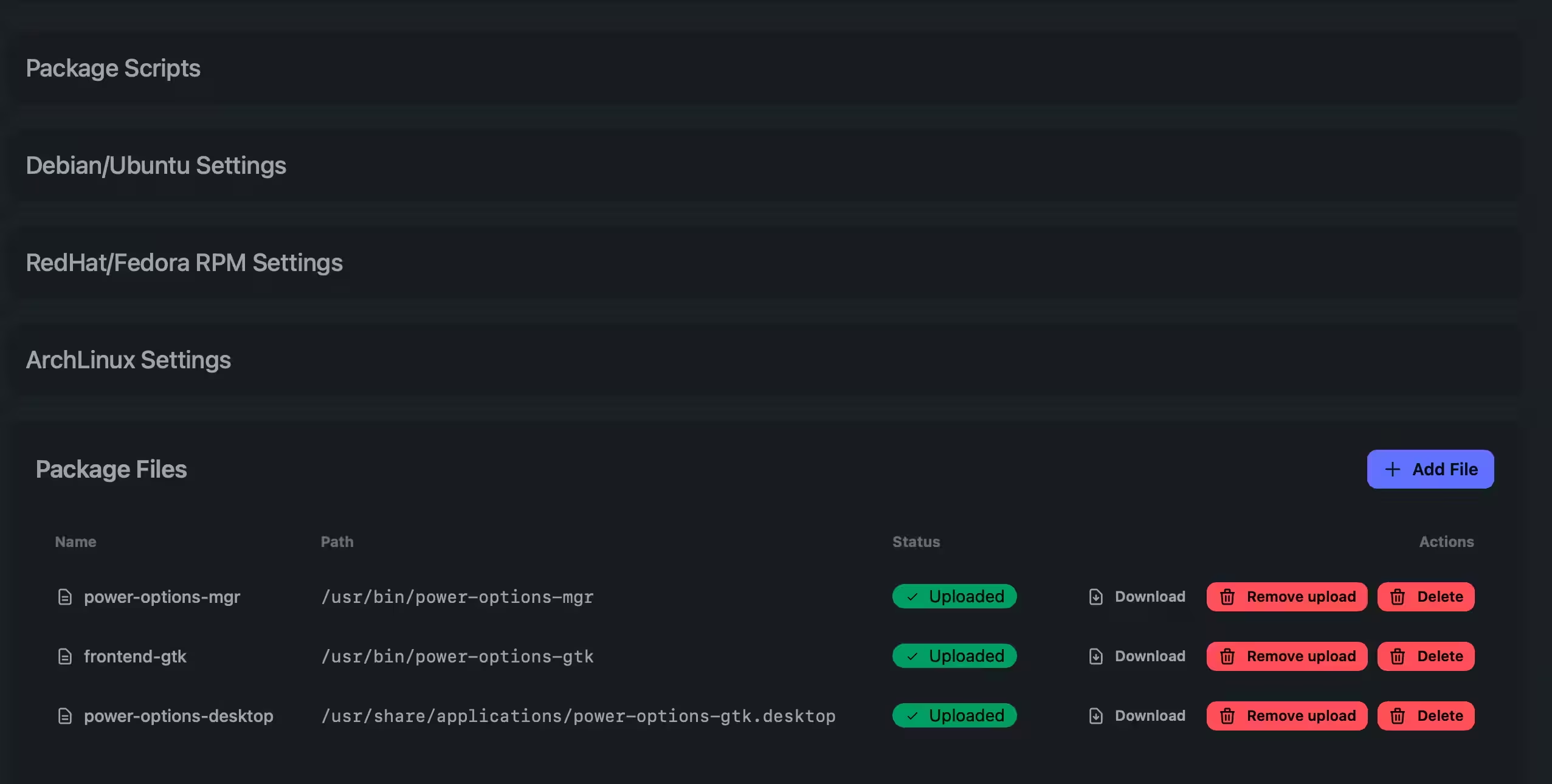
Upload Your Files
Upload your application files, binaries, or source code. DistroPack securely stores them.
- Support for multiple file types
- Secure, encrypted storage
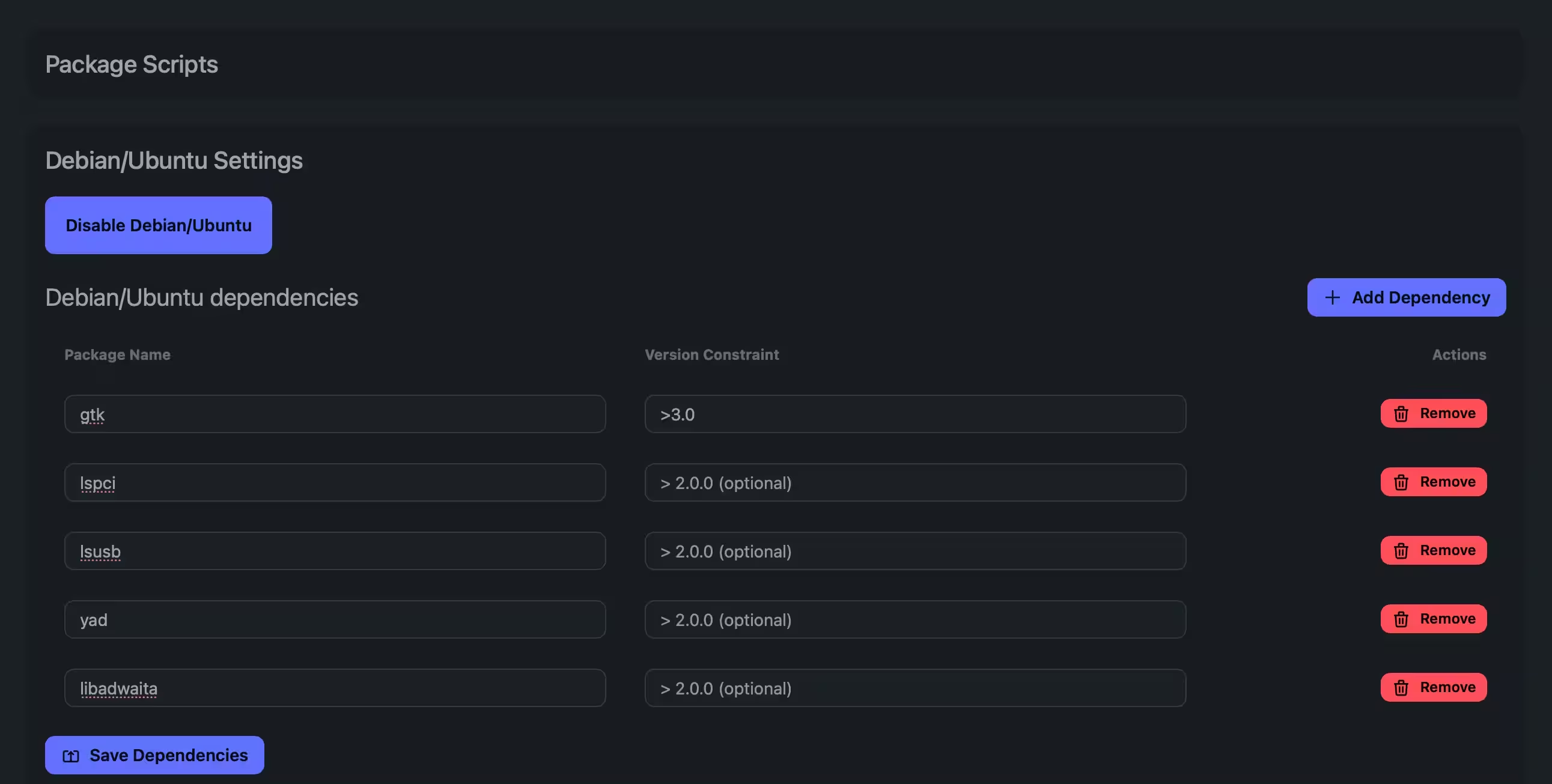
Configure & Build
Set package metadata (name, version, description), choose target distributions and architectures, and add custom scripts. Trigger builds with one click.
- Configure package metadata
- Select target distributions (Debian, RPM, Arch, tar)
- Choose architectures (x86, x64, ARM, ARM64)
- Add pre/post-install scripts
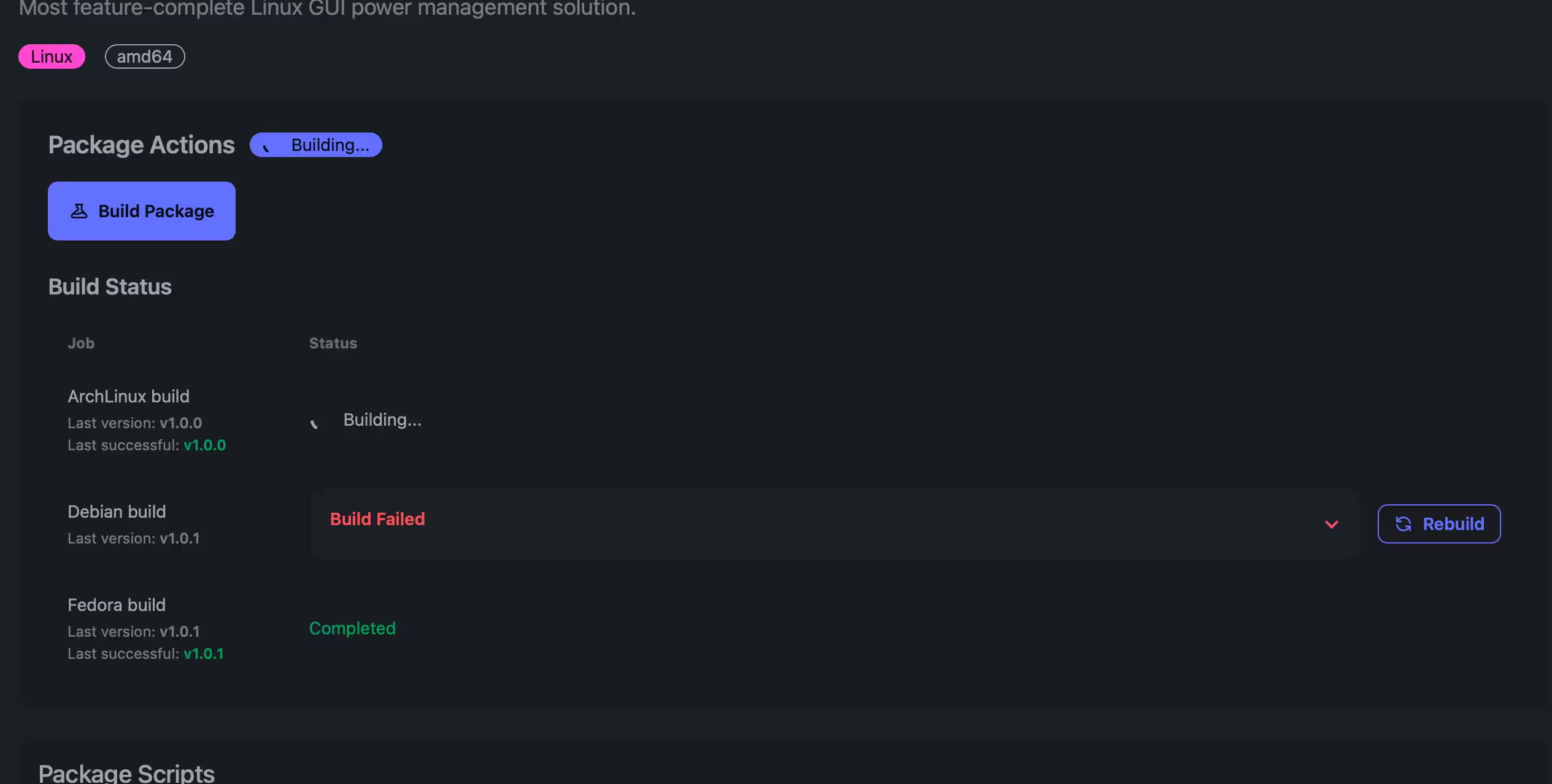
Automatic Packaging
Our build service converts your files into distribution-specific packages. Builds run in isolated environments with full error reporting.
- Automated package creation
- Build status tracking
- Detailed error logs
- Size verification
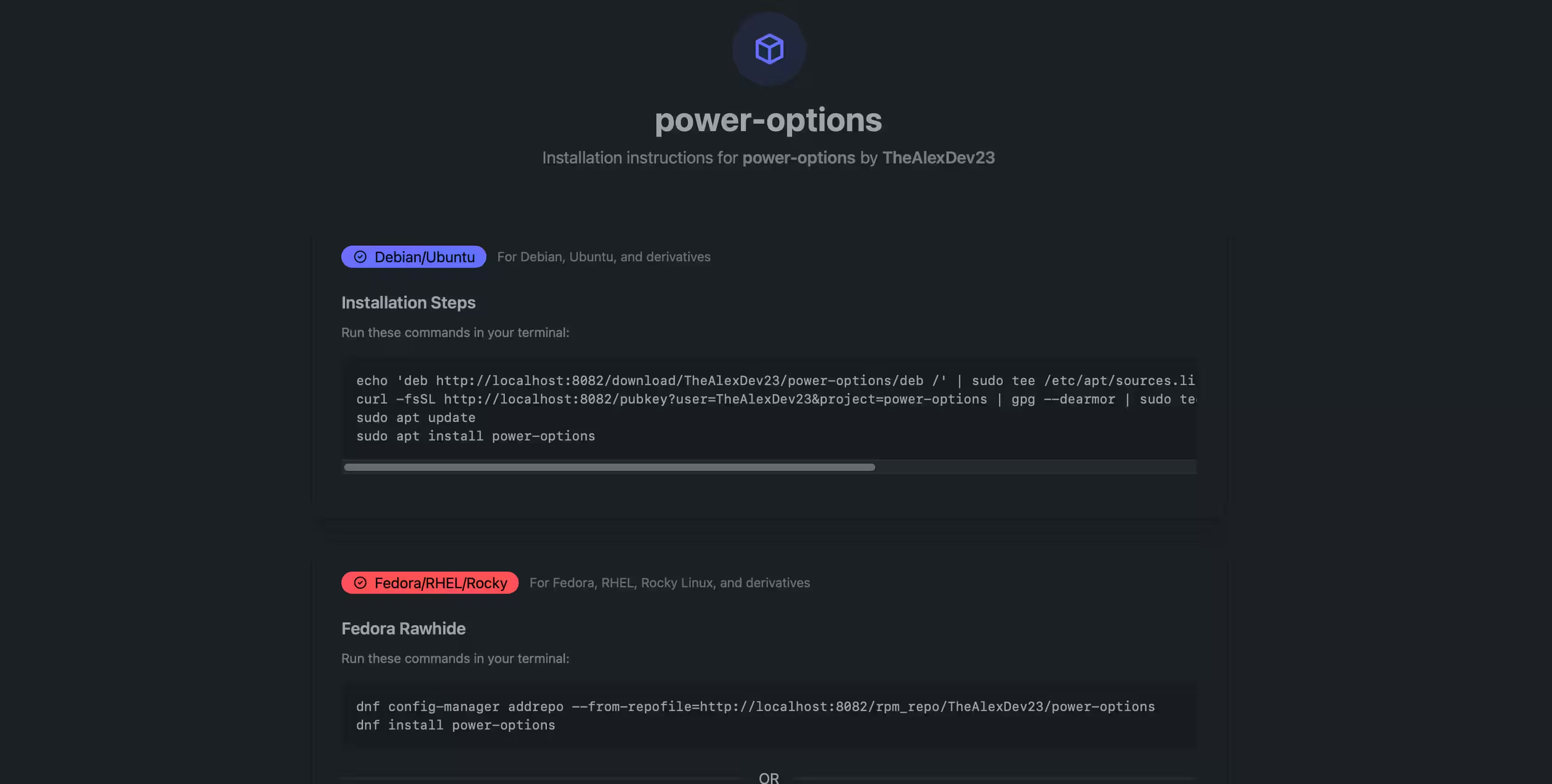
Just Share The Install Link
Built packages are automatically added to your hosted repositories. Metadata is generated, packages are GPG-signed, and everything is ready for your users.
- Automatic repository updates
- GPG signing for packages and metadata
- Distribution-specific repository structure
- Public key distribution endpoint
Supported Platforms & Architectures
Reach users across all major Linux distributions
Debian & Ubuntu
.deb packages
Supported Architectures:
Fedora & RHEL
.rpm packages
Supported Architectures:
Arch Linux
.pkg.tar.zst packages
Supported Architectures:
Simple, Transparent Pricing
Start free, scale as you grow
Free
$0/mo
- ✓ 1 project
- ✓ 1 package per project
- ✓ 10 builds/month
- ✓ Up to 250 MB packages
- ✓ Linux only
Developer
$-/mo
- ✓ 2 projects
- ✓ 3 packages per project
- ✓ 120 builds/month
- ✓ Up to 2 GB packages
- ✓ All platforms
Team
$-/mo
- ✓ 5 projects
- ✓ 5 packages per project
- ✓ 300 builds/month
- ✓ Up to 5 GB packages
- ✓ All platforms
Business
$-/mo
- ✓ 15 projects
- ✓ 15 packages per project
- ✓ 800 builds/month
- ✓ Up to 20 GB packages
- ✓ All platforms